Dot shorthands
길었던 문법을 짧게 줄여 간소화할 수 있도록 변경되었습니다.
// With shorthands
Column(
  mainAxisAlignment: .start,
  crossAxisAlignment: .center,
  children: [ /* ... */ ],
),

// Without shorthands
Column(
  mainAxisAlignment: MainAxisAlignment.start,
  crossAxisAlignment: CrossAxisAlignment.center,
  children: [ /* … */ ],
),

// With shorthands
Padding(
  padding: .all(8.0),
  child: Text('Hello world'),
),

// Without shorthands
Padding(
  padding: EdgeInsets.all(8.0),
  child: Text('Hello world'),
),
Badge.count maxCount 속성 추가
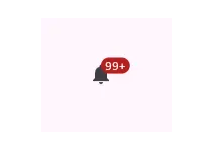
배지에 표시될 수 있는 개수의 최대치를 정하여 n+ 개로 표시할 수 있도록 개선하였습니다.
알림이 100개인 경우, maxCount를 99로 지정하면, 99+로 표시됩니다.
SliverMainAxisGroup 헤더 오버 스크롤 성능 개선
참고: https://api.flutter.dev/flutter/widgets/SliverMainAxisGroup-class.html
그룹 헤더 위로 오버 스크롤 되던 이슈를 개선했습니다.
iOS 26 완전 지원
iOS26 부터는 UIScene life cycle이 필수 입니다.
그렇지 않으면 launch 되지 않습니다.
수동 migration
UIScene: https://docs.flutter.dev/release/breaking-changes/uiscenedelegate#migration-guide-for-flutter-apps
migration 기능 활성화 설정(v3.38 ~ 명령어 실행 가능)
Flutter tooling이 iOS Scene 기반 lifecycle을 지원하도록 옵션을 켭니다.
flutter config --enable-uiscene-migrationAndroid Sdk Version
flutter.compileSdkVersion (API 36)
flutter.targetSdkVersion (API 36)
flutter.minSdkVersion (API 24) or higher
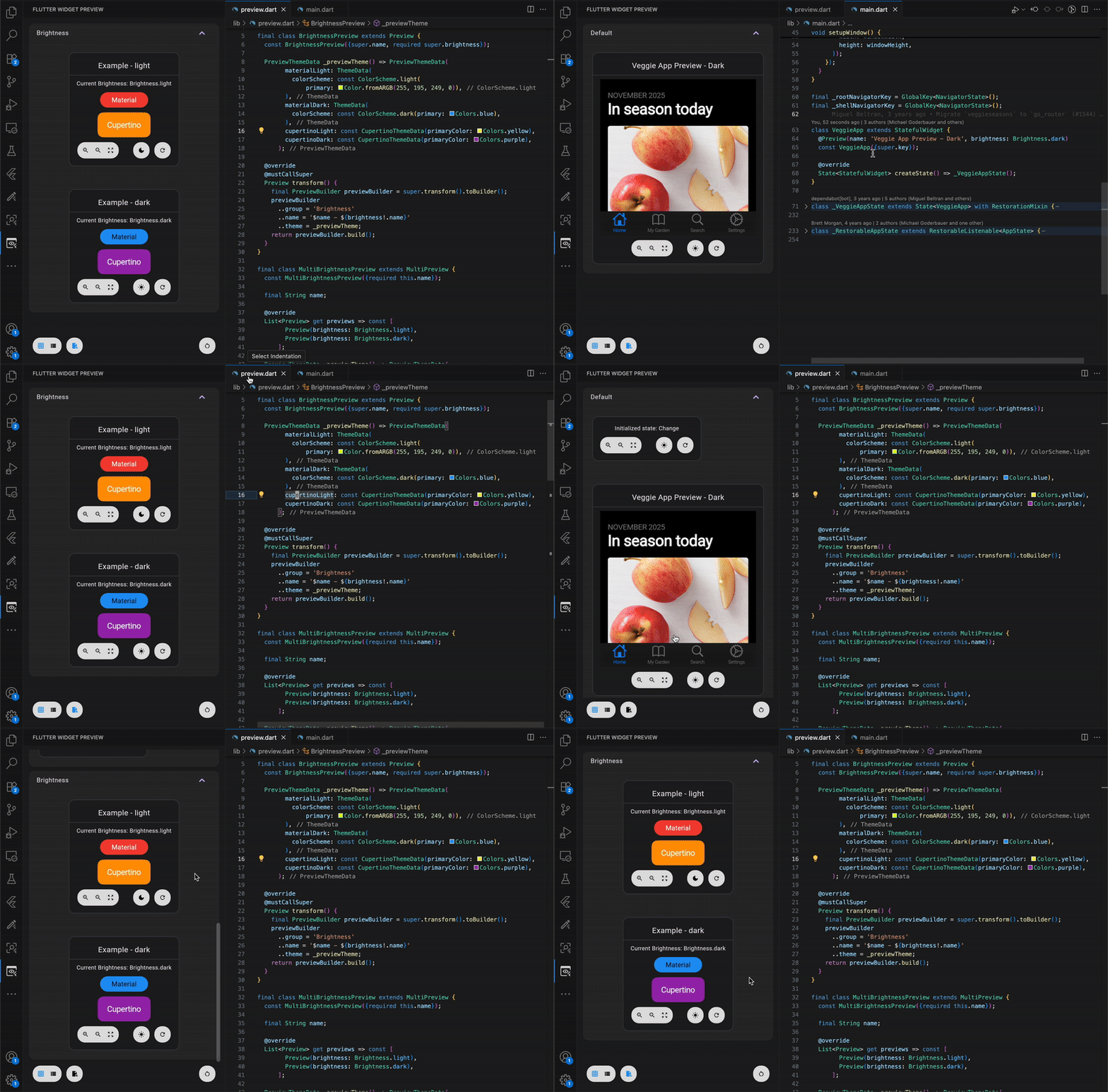
IDEs Widget Previews
현재 바라보고 있는 .dart 페이지의 UI를 즉시 확인할 수 있습니다.
lint 추가
더 이상 사용되지 않는 요소를 감지해 줌으로써, 최신 버전에 대응하도록 개선하였습니다.
linter:
  rules:
  	- remove_deprecations_in_breaking_versions
Dart environment
flutter 3.38부터는 dart 3.10.0 이상 지원함으로, 충돌 가능성을 낮추기 위해
아래와 같이 범위를 사용하는 것을 권장드립니다.
environment:
  sdk: ">=3.10.0 <4.0.0"
참고 문서:
https://blog.flutter.dev/whats-new-in-flutter-3-38-3f7b258f7228