
💡creat-react-app
✨Point는 Divde and Conquer이다.
먼저 node.js와 npx을 설치한다.
node -vnpx위 두 명령어가 실행되면 제대로 설치된 것이다.
npx create-react-app my-app
cd my-app
# development server를 만든다
npm start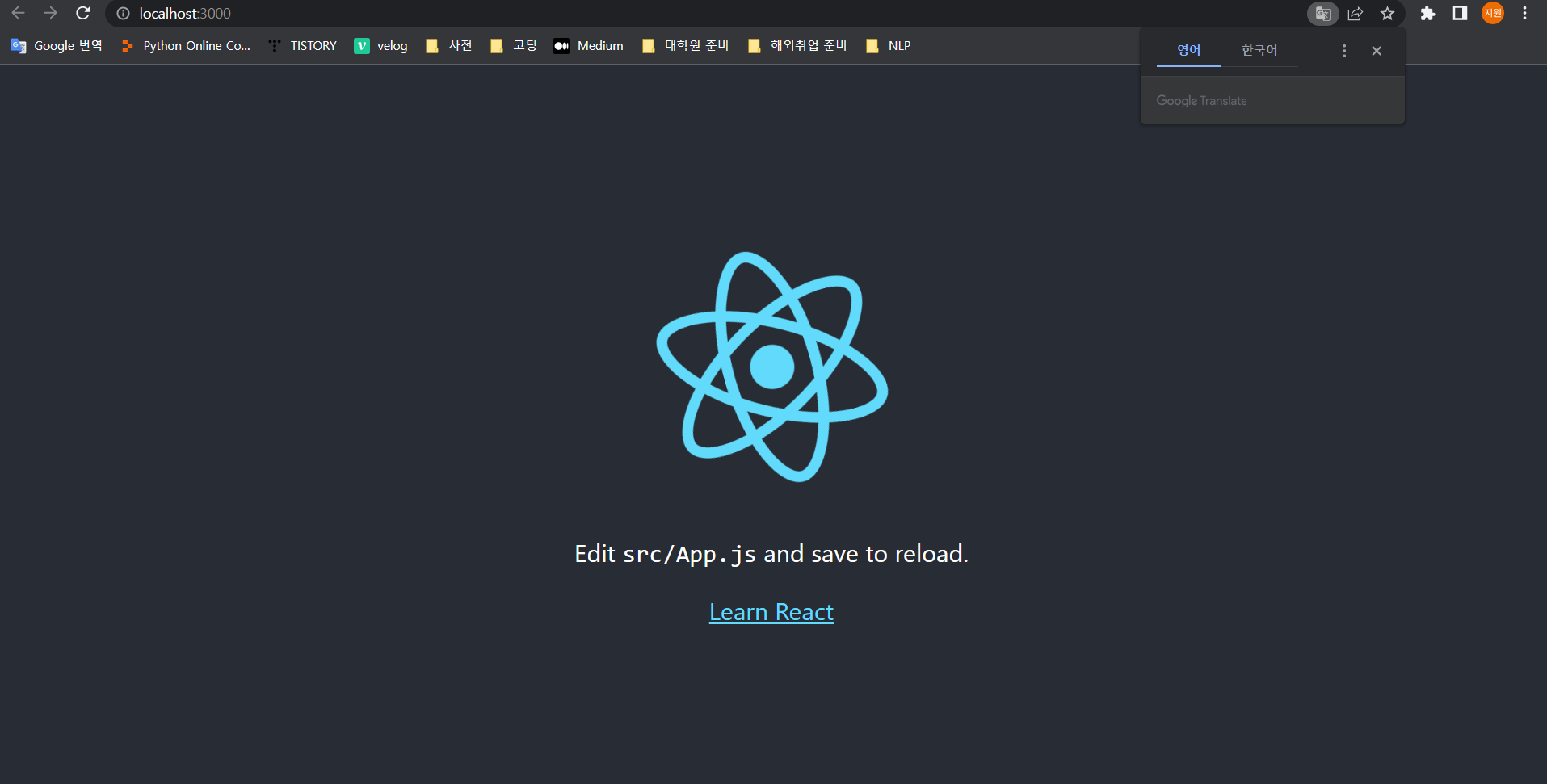
그럼 자동으로 위처럼 웹페이지가 열린다.
PropType 설치하기
npm i prop-typescss 설정하기
create-react-app으로 application을 만들 때 CSS에 관해 아래와 같이 선택을 할 수 있다.
1. style.css 파일 만들기 => index.js에서 import 하기
2. style prop 사용하기
3. ❗CSS Modules 사용하기
이때 파일의 이름은 꼭꼭 ✨module.css✨로 끝나야 한다.
예를 들어 Button의 css를 적용하고 싶다면, Button.js 파일은
import PropTypes from "prop-types";
// import 하기!
import styles from "./Button.module.css";

function Button({text}) {
    return <button className={styles.btn}>{text}</button>;
}
Button.propTypes = {
    text: PropTypes.string.isRequired,
};
export default Button
그리고 Button.module.css 파일은
.btn {
    color: white;
    background-color: tomato;
}
그럼 자동으로 class가 랜덤하게 정해진다.
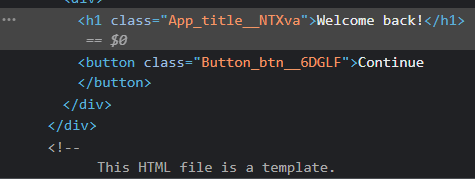
이렇게 클래스 이름들을 사용하기 위해 기억하지 않아도 된다!!

Make your lives Extraordinary!